Description
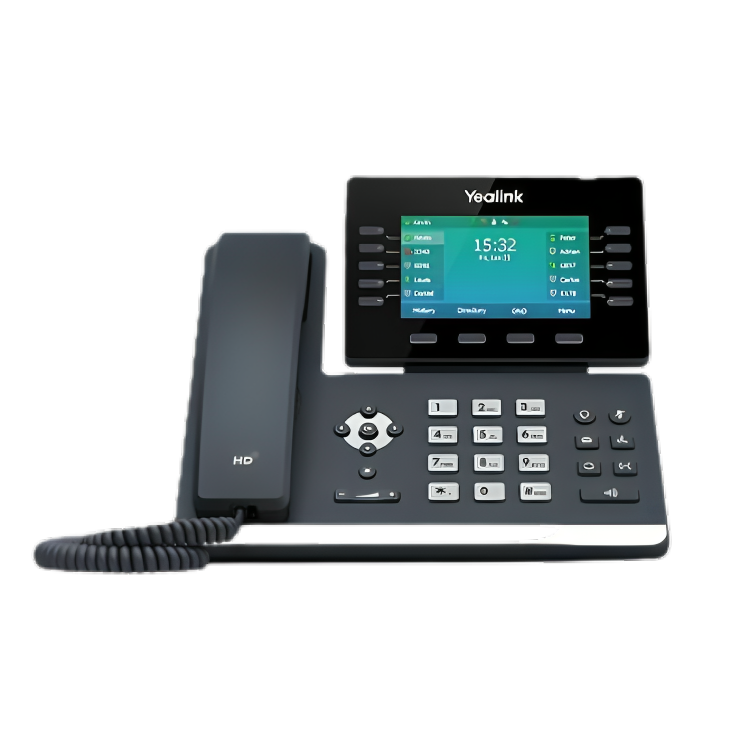
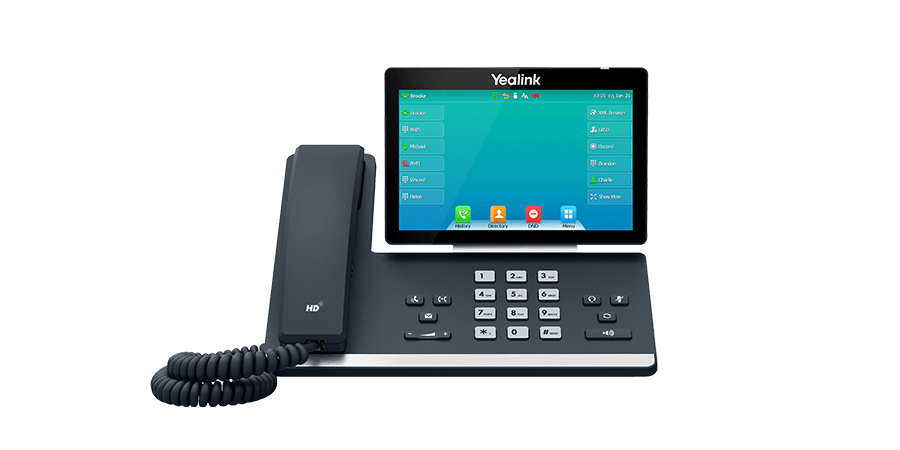
Boost your office productivity with the Yealink SIP‑T54W IP Phone. Featuring a 4.3″ color display, Bluetooth 4.2, and dual-band Wi-Fi, it ensures seamless connectivity and crystal-clear calls. With support for 16 SIP accounts, advanced call management, and Optima HD Voice, this phone enhances communication for businesses of any size. Additionally, its expandable design and robust security make deployment simple and reliable. Upgrade your workplace communication efficiently and effortlessly.
Key features:
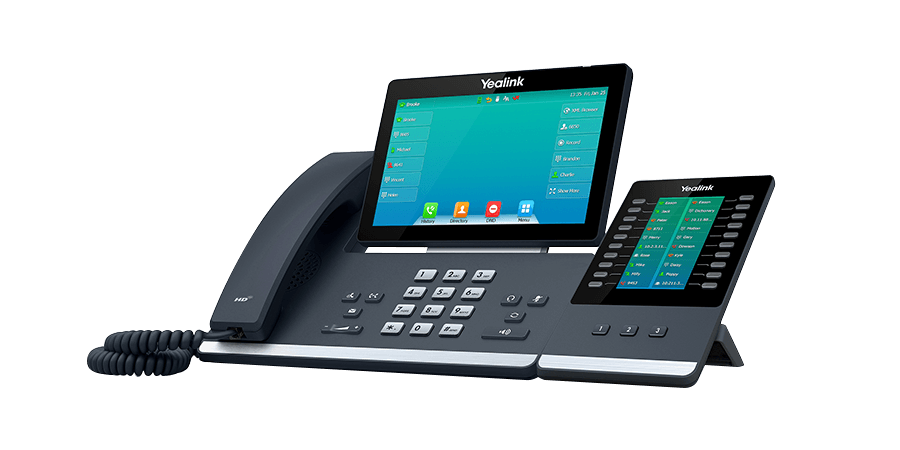
The Yealink SIP‑T54W IP Phone is perfect for offices. It has Bluetooth 4.2, dual-band Wi‑Fi, and dual Gigabit Ethernet ports for fast and reliable connections. The 4.3″ color display and programmable keys make managing calls easy. It supports up to 16 SIP accounts, so you can handle many phone lines at once. With Optima HD Voice and Acoustic Shield technology, your calls are clear and professional. You can expand it with EXP50 modules and DECT handsets. The phone is secure with TLS, SRTP, and WPA3, keeping calls and data safe. This Yealink IP Phone is easy to set up and works with any IP phone configuration, making it a reliable choice for modern businesses.
Application Yealink SIP‑T54W IP Phone:
The Yealink SIP‑T54W IP Phone is perfect for office and business communication. It helps manage multiple calls efficiently and keeps team collaboration smooth. With clear audio and reliable connectivity, it ensures professional and uninterrupted communication. This Yealink IP Phone is easy to set up and works well in small offices, call centers, and modern workplaces. Check the latest Yealink IP Phone SIP-T54W price and compare it with other IP phone prices in Pakistan to find the best deal.
Why Choose the Yealink SIP‑T54W IP Phone?
The Yealink SIP‑T54W IP Phone offers clear audio, reliable connectivity, and easy call management. It supports multiple lines, boosts office productivity, and is perfect for small offices, call centers, and modern workplaces. With fast setup and professional performance, it is a trusted choice for efficient business communication.
For more products, click here.
Frequently Asked Questions:
Can you use an IP phone as a regular phone?
Yes, an IP phone can only work with a VoIP network and cannot be used as a regular analog phone without a VoIP adapter.
How can I change my IP address on my IP phone?
You can change the IP address on your IP phone by accessing the phone’s network settings menu or web interface and manually updating the IP configuration.
How do I connect my VoIP phone to Wi-Fi?
You can connect your VoIP phone to Wi-Fi by going to its wireless settings, selecting your Wi-Fi network, and entering the password.
For more tech products visit here


Saad –
The Yealink SIP-T54W is a fantastic all-rounder. Crisp HD audio, adjustible screen, built-in WiFi & Bluetooth, and solid multi-line support make it ideal for modern workspaces.