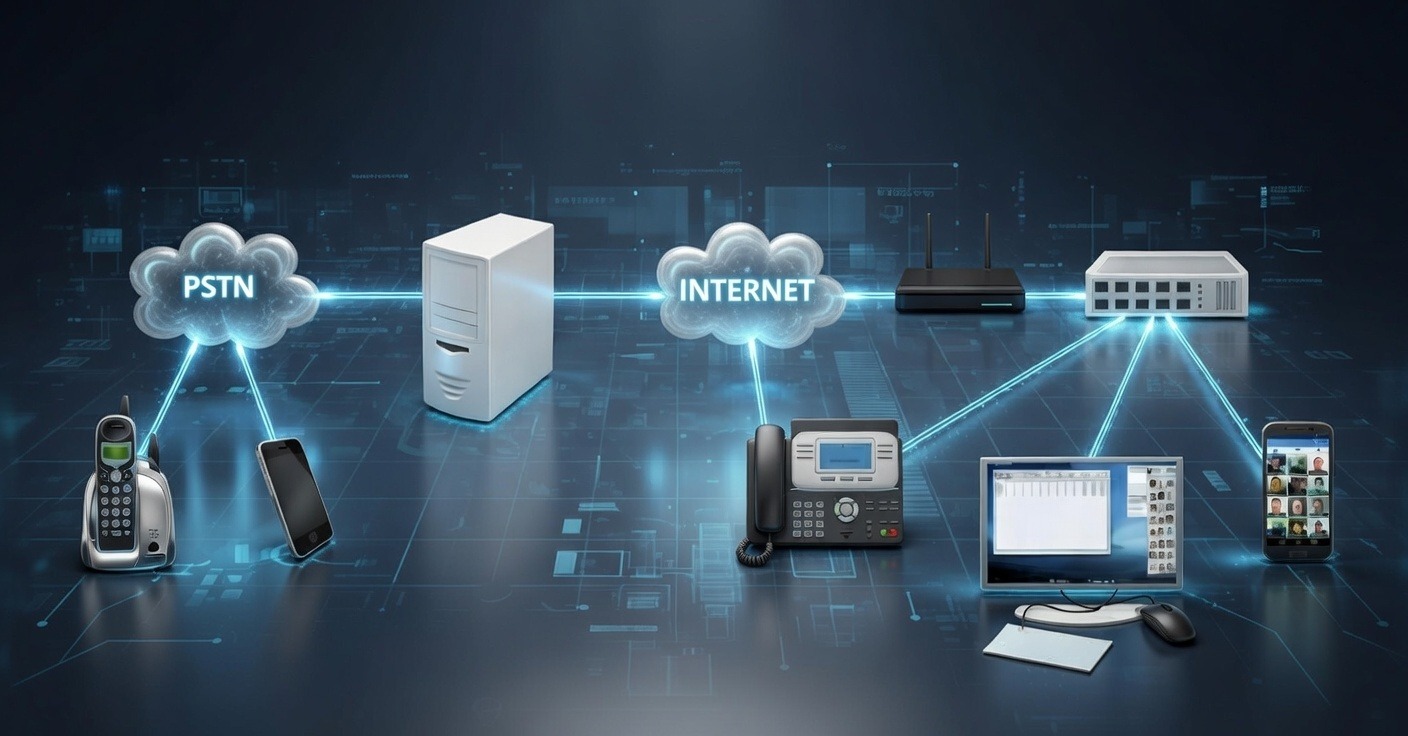
IP PBX, IP Phones, SIP Trunk & Cloud PBX — sales, installation & support across Pakistan

Get a quote

IPPBX Phone System for Modern Business Communication

Upgrade your office communication with our PBX phone system. Make and receive calls efficiently, manage extensions, and enjoy advanced calling features—all without extra hardware.

PBX Phone System for Modern Business Communication
What Is a PBX Phone System

What Is a PBX Phone System?

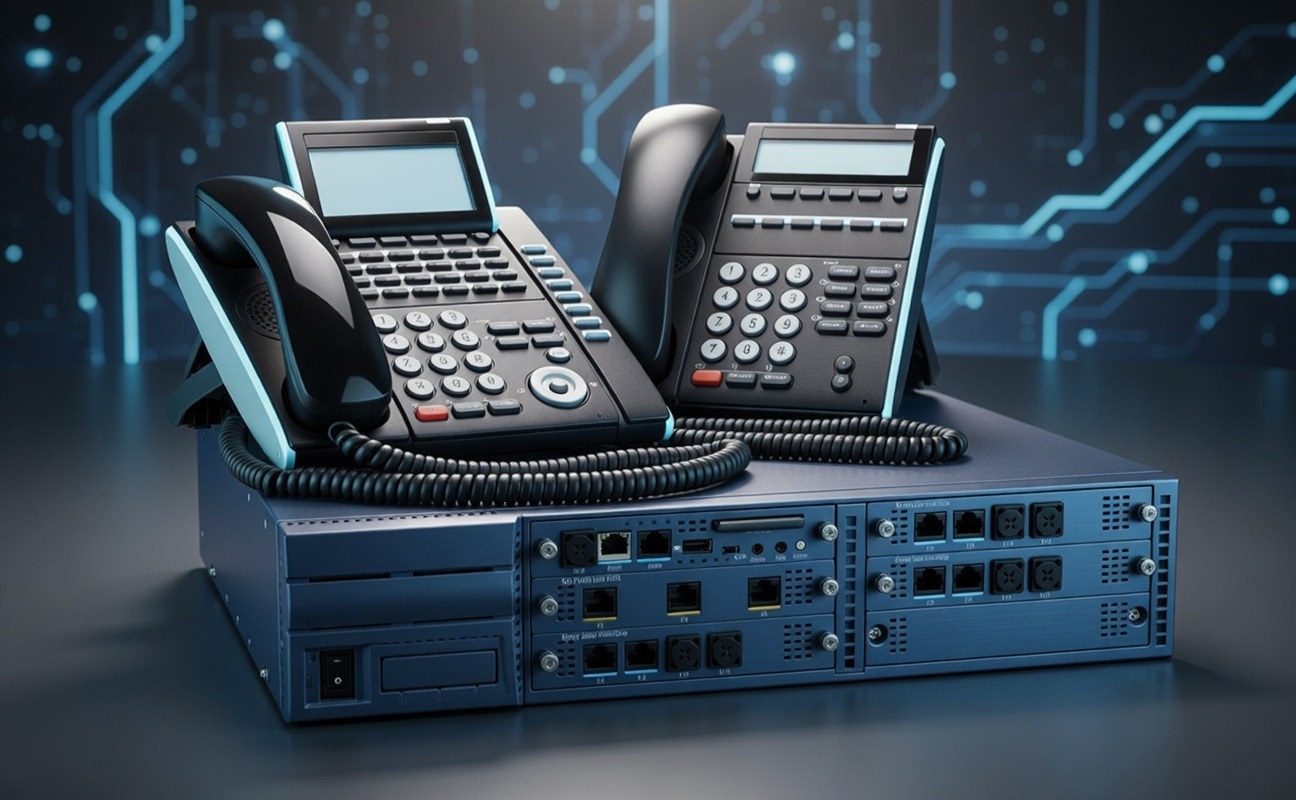
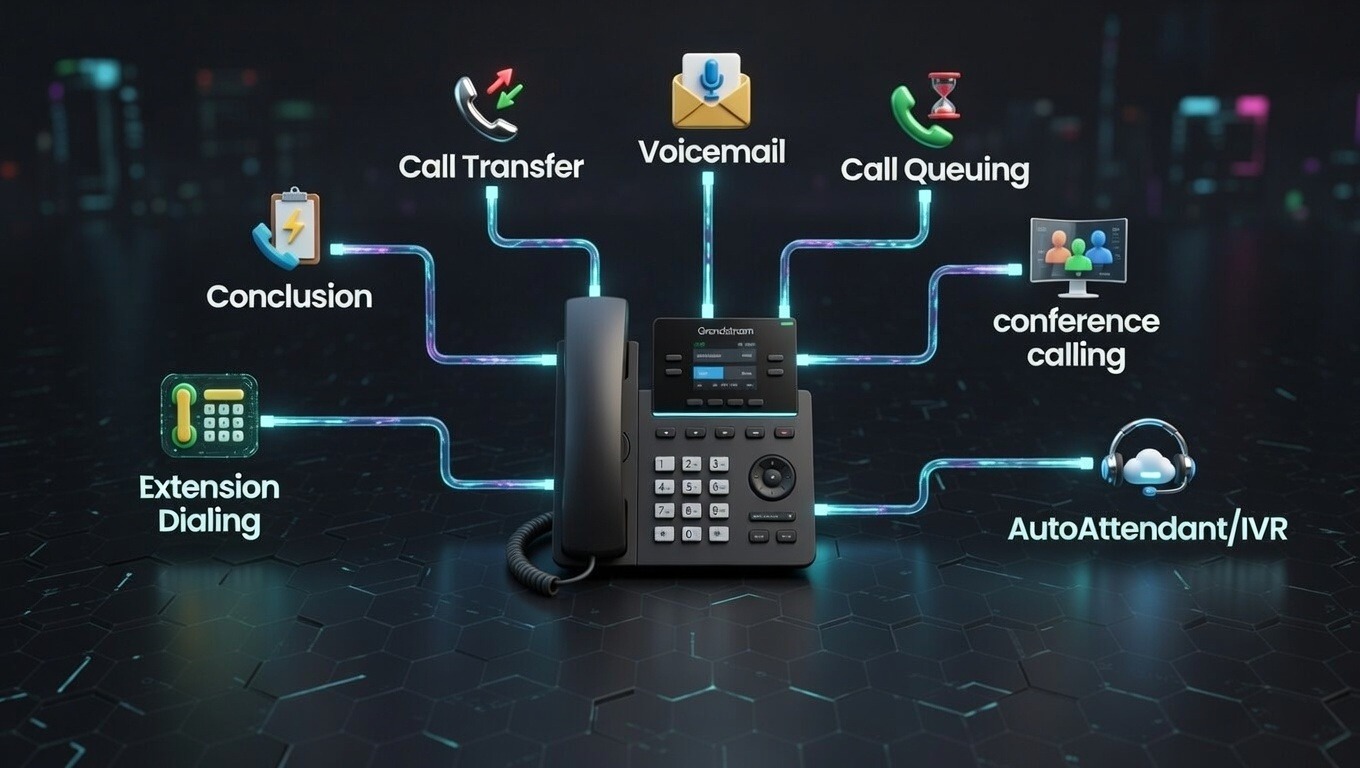
A PBX telephone system helps businesses make and receive calls inside the office and outside. It connects office phones, extensions, and voicemail, with features like call forwarding, call routing, and conference calling.

Our PBX telephone systems are easy to use, reliable, and flexible. With modern PBX telephones, offices, call centers, and remote teams can communicate clearly and efficiently.
Key Features of Our PBX Phone System

Key Features of Our PBX Phone System
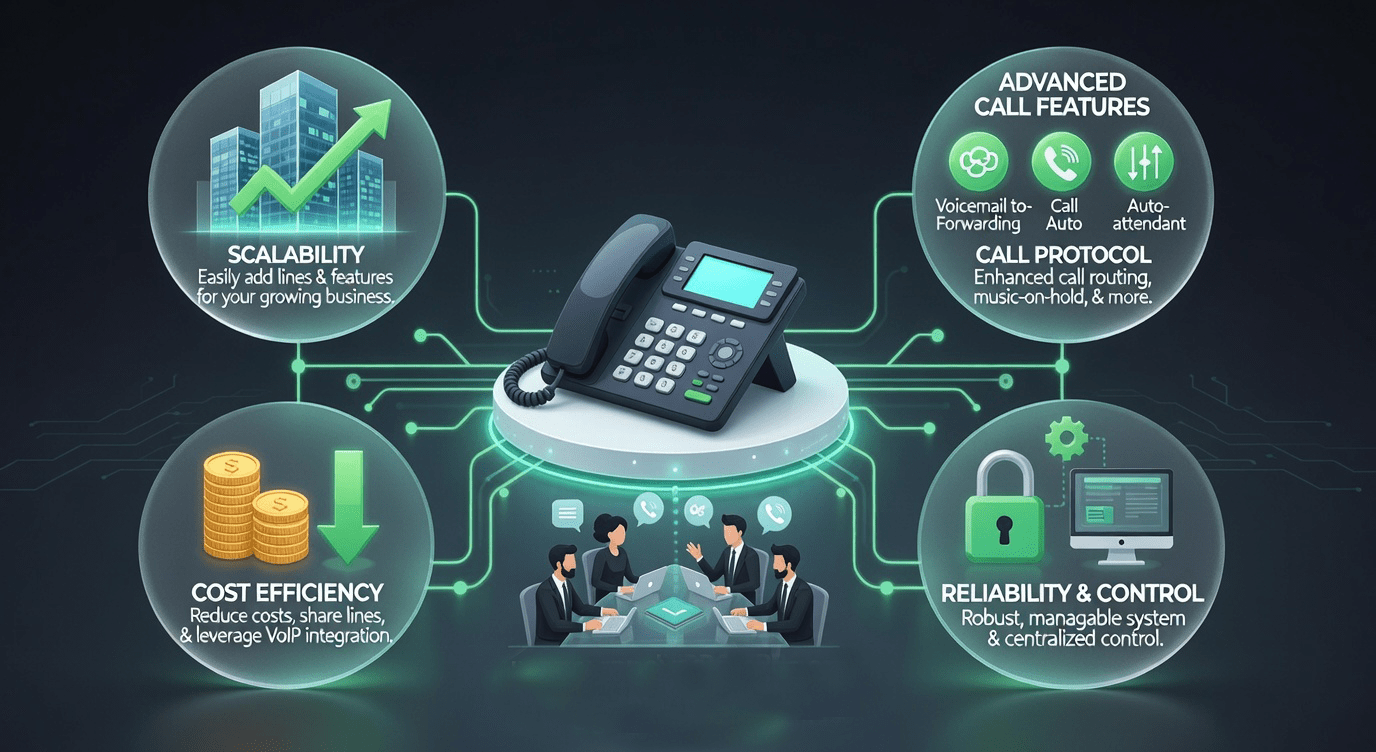
Why Choose a PBX Phone System?

Why Choose a PBX Phone System?

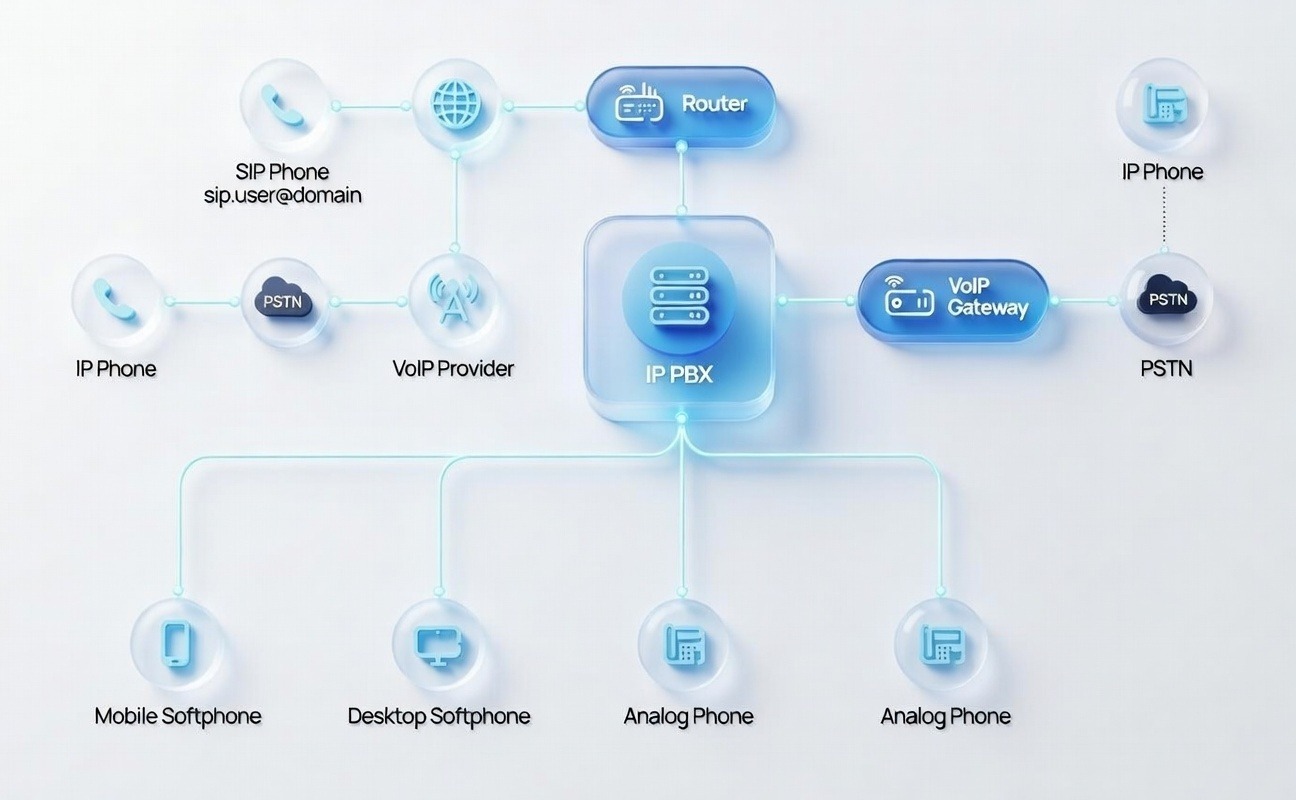
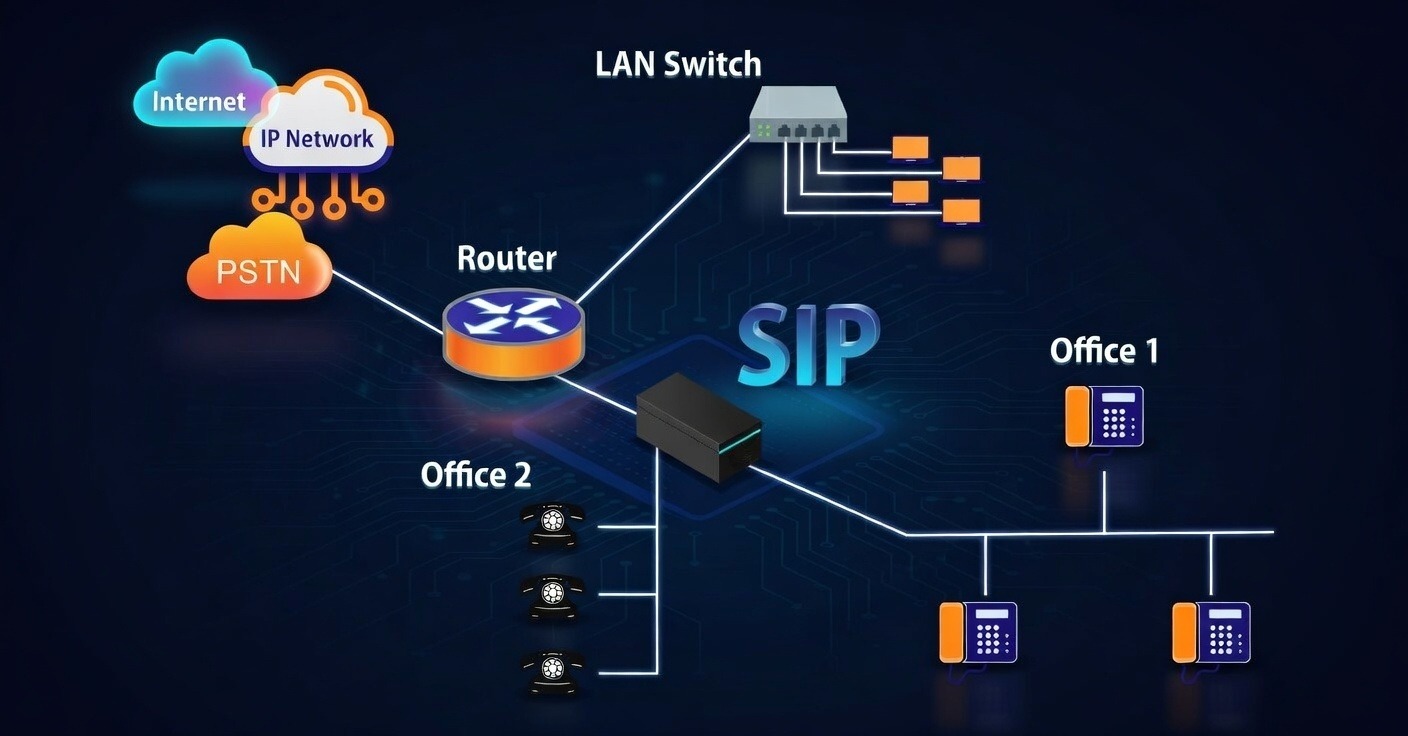
How Our PBX Phone System Works

How Our PBX Phone System Works

Frequently Asked Questions

You can connect FreePBX to a landline by configuring an FXO gateway or adapter that links the landline to your FreePBX system.

To call from a PBX phone, pick up the handset or use the softphone, dial the extension or external number, and press the call button.

You can configure a PBX phone system PDF by downloading a setup guide from your PBX provider and following the step-by-step instructions for installation and phone registration.

Connect FreePBX to a landline using an FXO gateway or adapter that links your PSTN line to the FreePBX system.

IPPBX phone system setup — how we install your PBX

Every IPPBX phone system setup starts with a short survey of your users, lines and network. We then size the IP PBX, plan extensions and departments, and design the call flow — from the welcome IVR to ring groups and after-hours routing.

  1. Plan — extension list, call flow and number plan
  2. Install — IP PBX appliance or software PBX, PoE switch and IP phones
  3. Connect — PTCL lines through an FXO gateway or a SIP trunk with DID numbers
  4. Configure — IVR, queues, voicemail, call recording and reports
  5. Train & support — admin and user training, then remote support

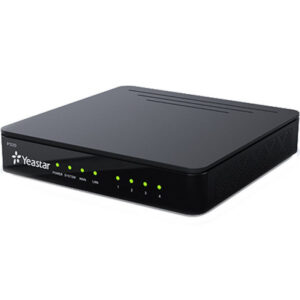
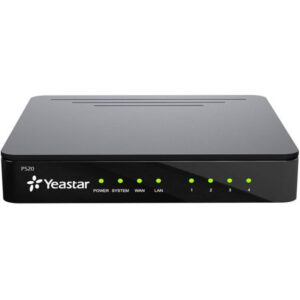
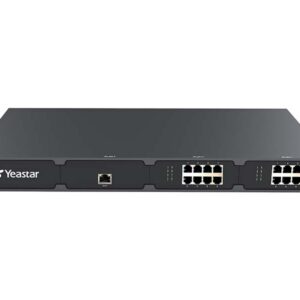
We install Yeastar, Grandstream and Dinstar IP PBX systems as well as cloud PBX. Browse IP PBX systems, VoIP gateways or see Grandstream UCM models.

More questions answered

What is included in a PBX phone system setup?

Extension planning, IP PBX installation, IP phone provisioning, IVR and auto-attendant, ring groups, call routing, voicemail, call recording and connection to SIP trunks or PTCL lines through a gateway.

Can you connect my existing PTCL lines to a new IP PBX?

Yes. We use an FXO VoIP gateway or the PBX FXO ports so you keep your PTCL numbers while adding modern IP PBX features.

Which IP PBX brands do you install?

Mainly Yeastar P-Series, Grandstream UCM and Dinstar, plus software and cloud PBX — chosen according to your users, lines and budget.

Recommended IP PBX System

View all

Related services

All services

Brands we supply & install

Planning a new office phone system?

Get a free IP PBX consultation & quote within one business day.

Add IPPBX as a preferred source on GoogleAdd as preferred source
Add as preferred source on Google