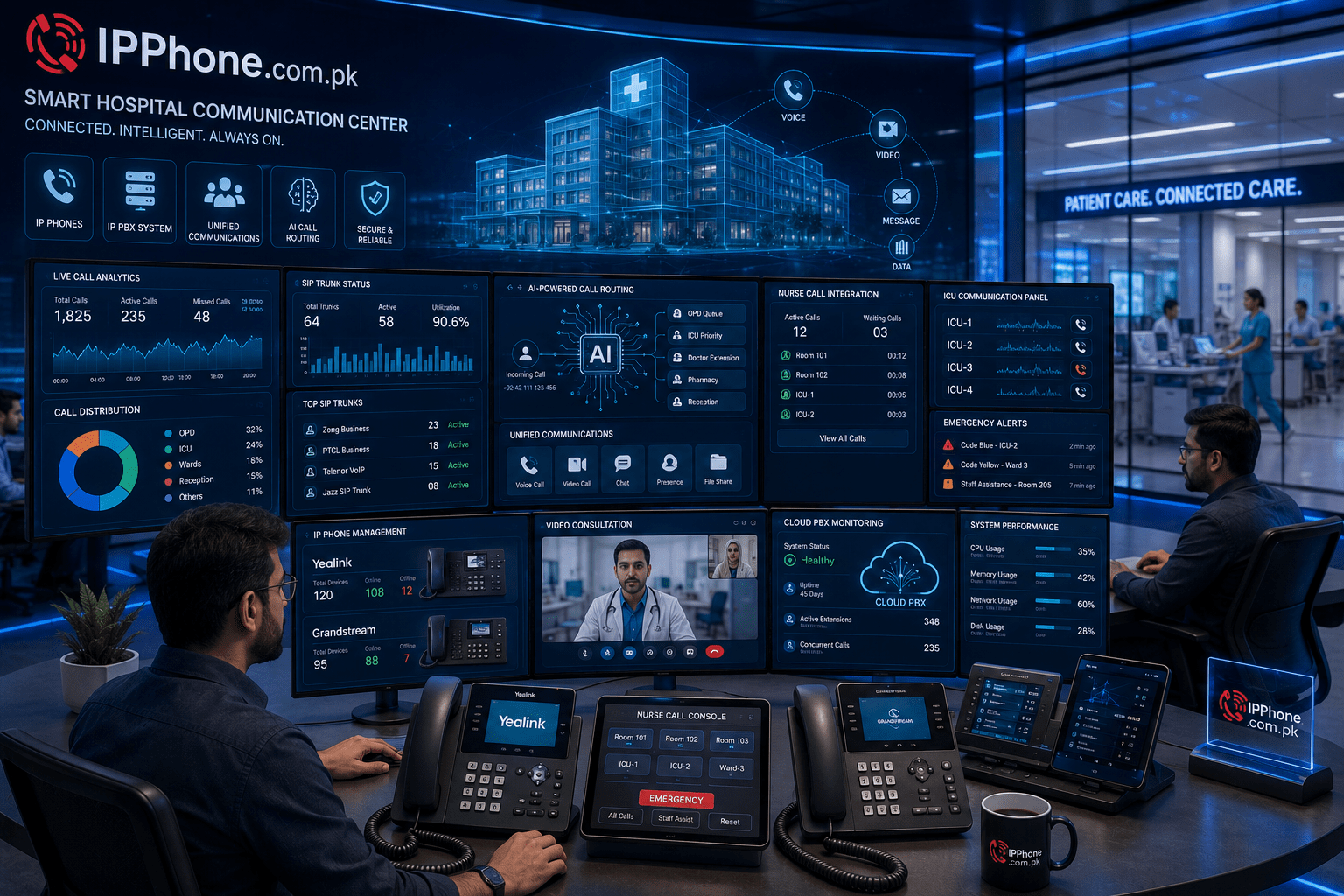
Modern offices need more than a traditional telephone system. Employees may work from different locations, customers may call at different times, and businesses often need to manage many extensions and departments. A Cloud PBX for Offices can bring these communication needs together through an internet-based phone system.
Instead of depending on a large physical telephone system inside the office, Cloud PBX hosts the PBX platform online. Employees can then use IP phones, computers, mobile devices, or softphones to make and receive business calls. This approach can also support remote employees and multiple office locations.
At IPPBX.com.pk, businesses can explore Cloud PBX, IP PBX, SIP services, VoIP services, IP phones, gateways, switches, and professional PBX setup solutions. The company also provides Cloud PBX deployment and migration services for businesses that want to move from traditional telephone systems to modern cloud communication.
What Is Cloud PBX for Offices?
Cloud PBX is a business telephone system hosted on cloud infrastructure instead of requiring the main PBX equipment to stay inside the office.
The system manages important communication functions such as:
- Business extensions
- Incoming and outgoing calls
- Call forwarding
- Call routing
- Voicemail
- Auto attendant
- Call recording
- Remote extensions
- Call reports
- SIP integration
Because the system works through the internet, employees can connect using compatible IP phones, softphones, computers, and mobile devices. This makes Cloud PBX useful for offices that need flexible communication.
IPPBX.com.pk describes its Cloud PBX service as an internet-based solution that supports remote access, scalable communication, and advanced call management.
Why Do Modern Offices Need Cloud PBX?
Traditional telephone systems can become difficult to manage as a company grows. Adding employees may require additional hardware, wiring, configuration, and maintenance.
Cloud PBX changes this process.
Easy Extension Management
Businesses can create, remove, or modify extensions according to their requirements. For example, when a company hires a new employee, the administrator can assign a new extension without rebuilding the entire telephone infrastructure.
Support for Remote Employees
Remote work has become an important part of modern business. Cloud PBX allows employees to connect to the company phone system from approved locations using IP phones, softphones, or mobile applications.
This means a sales employee working from home can still use a business extension and receive company calls.
Centralized Call Management
A Cloud PBX system can bring different departments into one communication platform. Managers can configure extensions, call routes, ring groups, voicemail, and other features from a central system.
As a result, businesses can manage communication more consistently.
Key Features of Cloud PBX for Offices
Choosing a Cloud PBX system involves more than simply looking at the number of extensions. Businesses should consider the features they actually need.
Auto Attendant and IVR
An auto attendant can greet callers and guide them to the correct department.
For example:
“Press 1 for Sales, press 2 for Support, and press 3 for Accounts.”
This can help businesses direct calls without requiring a receptionist to manually transfer every call.
Call Routing and Forwarding
Call routing allows businesses to decide how incoming calls should reach employees or departments. Calls can also be forwarded when an employee is unavailable.
This helps reduce missed business calls.
Call Recording and Reporting
Many modern PBX systems support call recording and reporting. These tools can help managers review communication, monitor call activity, and understand call patterns.
IPPBX.com.pk lists call recording and reporting among its Cloud PBX features.
Remote Extensions
Remote extensions allow employees outside the main office to remain connected to the company’s communication system.
This feature can be particularly useful for:
- Remote teams
- Sales staff
- Branch offices
- Home-based employees
- Multi-location companies
SIP Integration
SIP integration connects the Cloud PBX platform with SIP services and voice networks. A properly configured SIP setup can provide businesses with internet-based calling while supporting centralized call management.
IPPBX.com.pk also provides SIP and VoIP integration services, including SIP trunk configuration and network-related setup.
Cloud PBX vs Traditional Office Phone Systems
Traditional PBX systems normally depend on physical equipment installed at the business location. Cloud PBX moves the main telephone platform to a hosted environment.
A traditional setup may require businesses to manage physical PBX equipment, while Cloud PBX can reduce the amount of on-site infrastructure required.
Cloud PBX can provide:
- Flexible user management
- Remote connectivity
- Easier administration
- Scalable extensions
- Internet-based calling
- Centralized management
- Modern communication features
However, businesses should also consider internet reliability, security, network configuration, provider support, and their specific communication requirements before choosing a system.
How Does Cloud PBX Work in an Office?
The basic process is straightforward.
First, the business selects its Cloud PBX platform and defines its communication requirements. Next, administrators create extensions for employees and departments.
The business can then connect compatible IP phones, softphones, or mobile devices. SIP services can connect the PBX with external telephone networks.
Finally, administrators configure call routes, IVR menus, voicemail, forwarding rules, and other features.
IPPBX.com.pk explains its Cloud PBX workflow around connecting the office network, assigning extensions, configuring call routing and voicemail, and allowing users to make and receive calls through compatible devices.
What Businesses Should Consider Before Choosing Cloud PBX
A Cloud PBX solution should match the actual needs of the organization.
Number of Users
Start by identifying how many employees need extensions. Also consider future growth so that the system can scale with the business.
Internet Connection
Cloud communication depends on a stable network. Businesses should check their internet connection, bandwidth, internal network, and quality-of-service requirements before deployment.
IP Phones and Devices
Companies can use compatible IP phones, softphones, or mobile devices. IPPBX.com.pk offers IP phones and works with major brands and communication equipment, including Cisco, Grandstream, Yealink, Yeastar, Fanvil, and Polycom.
Security
Businesses should protect their PBX environment with strong passwords, secure configurations, firewall rules, updated software, and appropriate access controls.
Technical Support
Professional setup and ongoing support can make a major difference, particularly for companies that depend heavily on business calls.
IPPBX.com.pk provides technical support, PBX configuration, firmware-related assistance, monitoring, and maintenance services for its communication solutions.
Cloud PBX for Small and Large Offices
Cloud PBX does not only suit large enterprises. Small and medium-sized businesses can also use cloud-based communication to build a professional office phone system.
A small company may need only a few extensions, while a larger organization may require multiple departments, branches, call queues, CRM integration, reporting, and advanced call management.
The main advantage is that businesses can select a setup based on their current requirements and expand it as they grow.
For organizations operating from multiple locations, Cloud PBX can also provide a centralized communication environment. IPPBX.com.pk highlights Cloud PBX for offices, call centers, remote teams, and multi-location business communication.
Cloud PBX, SIP and VoIP: How They Work Together
Cloud PBX, SIP, and VoIP are closely connected but serve different purposes.
VoIP refers to voice communication over internet networks.
SIP is a signaling protocol commonly used to establish and manage voice communication sessions.
Cloud PBX provides the business telephone system that manages extensions, call routing, voicemail, IVR, and other communication features.
When these technologies work together, a business can create a flexible internet-based telephone environment.
Is Cloud PBX Right for Your Office?
Cloud PBX can be useful for businesses that want flexible extensions, remote access, centralized call management, and modern communication features.
Before selecting a solution, businesses should evaluate their number of users, office locations, internet infrastructure, required features, devices, security needs, and support requirements.
If you are planning a new business communication setup or want to migrate from a traditional telephone system, explore the Cloud PBX and IP PBX solutions from IPPBX.com.pk. The company provides Cloud PBX, SIP, VoIP, IP phone installation, PBX setup, and related communication services for businesses.
Frequently Asked Questions
What is Cloud PBX for Offices?
Cloud PBX for Offices is an internet-hosted business telephone system that manages calls, extensions, voicemail, routing, and other communication features.
Can Cloud PBX support remote employees?
Yes, Cloud PBX can support remote employees through compatible IP phones, softphones, mobile devices, and secure internet connections.
Does Cloud PBX require IP phones?
Not always, because users can also connect through compatible softphones, computers, or mobile applications.
Can Cloud PBX connect with SIP services?
Yes, Cloud PBX can integrate with SIP services to provide internet-based business calling and external connectivity.
Is Cloud PBX suitable for small businesses?
Yes, small businesses can use Cloud PBX because they can start with the number of extensions they need and expand the system as the company grows.
For more Tech products visit callcenters.com.pk
Related Posts
Virtual PBX Pakistan: Complete Guide to Cloud Business Calling
A business phone system should not tie your team to…

Cloud PBX in Pakistan
Cloud PBX in Pakistan Is Changing Modern Business Communication Business…