
Managing customer calls can become difficult when your business handles a large number of inquiries every day. Call center agents need to track customer details, follow up on leads, and provide quick support. Without the right tools, businesses may lose important information and struggle to deliver a good customer experience. CRM integration for call centers helps solve these problems by connecting customer relationship management (CRM) software with call center systems. This connection allows agents to access customer information, manage calls, and improve communication from one platform.
In this guide, we will explain how CRM integration works, its benefits, important features, and how businesses in Pakistan can use it to improve their call center operations.
What Is CRM Integration for Call Centers?
CRM integration for call centers means connecting CRM software with a business’s phone system or call center platform. This connection allows the CRM and telephone system to share information automatically.
For example, when a customer calls your business, the system can identify the caller and display their information on the agent’s screen. The agent can then view previous conversations, purchase history, and support requests.
Instead of switching between different applications, agents can manage customer interactions from one place.
A CRM-integrated call center can work with several communication technologies, including:
- IP PBX systems
- VoIP phone systems
- SIP services
- Cloud PBX platforms
- Call center software
- IP phones and communication gateways
Businesses can use these technologies to build a more organized and efficient communication system.
How Does CRM Integration Work in a Call Center?
CRM integration connects your customer database with your business phone system. The exact process depends on the CRM and telephony platforms you use.
Here is a simple overview of how the process works.
1. Connecting the CRM With Your Phone System
First, the business connects its CRM software with an IP PBX, VoIP platform, or call center solution.
This connection may use APIs, software integrations, or supported communication protocols.
The integration allows the two systems to exchange relevant customer and call information.
2. Identifying Incoming Calls
When a customer calls your business, the phone system receives the incoming call.
If the caller’s phone number already exists in the CRM, the system may identify the customer automatically.
The agent can then access the available customer information.
3. Displaying Customer Information
The CRM can display important details, such as:
- Customer name
- Contact number
- Previous interactions
- Sales records
- Support tickets
- Notes from earlier calls
This information helps agents understand the customer’s needs before starting the conversation.
4. Recording Call Information
Depending on the system’s features and permissions, the CRM can store call details such as call duration, call status, and agent notes.
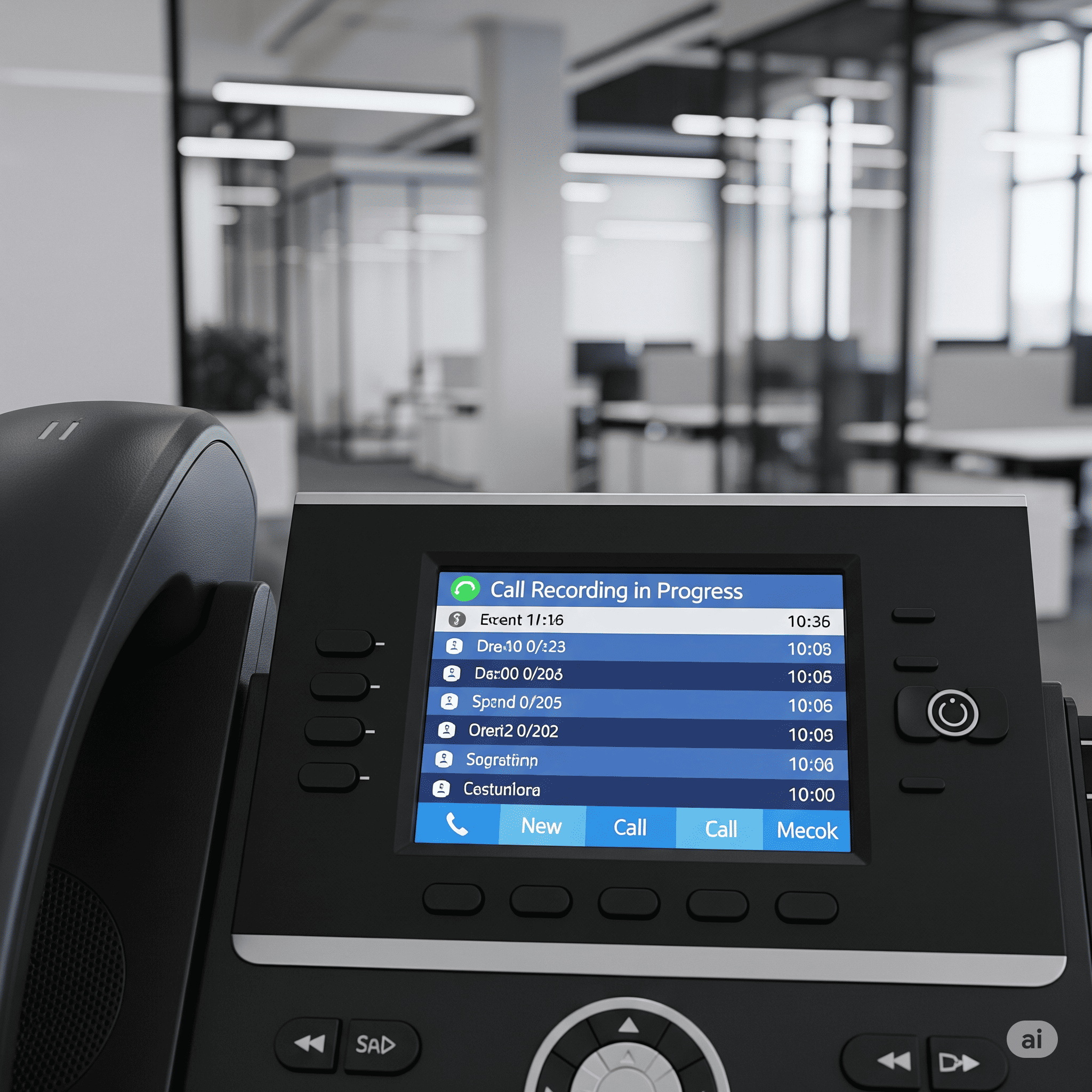
Some systems also support call recording and automatic activity logging.
As a result, managers can review customer interactions and monitor business performance more easily.
Benefits of CRM Integration for Call Centers
CRM integration can improve the way businesses manage customer communication. However, the results depend on the quality of the integration, staff training, and the tools a business chooses.
Here are some important benefits.
Improved Customer Experience
Customers want quick and helpful responses when they contact a business.
With CRM integration, agents can access relevant customer information during a call. They do not always need to ask customers to repeat details they have already provided.
This can make conversations smoother and help businesses provide more personalized support.
Better Call Management
A CRM-integrated phone system can help agents organize customer interactions more effectively.
Agents may be able to:
- Make calls directly from the CRM
- Receive incoming calls through the connected phone system
- View customer profiles
- Add call notes
- Schedule follow-ups
- Track customer inquiries
These features can reduce unnecessary manual work.
Increased Agent Productivity
Without integration, agents may need to switch between the CRM, phone application, spreadsheets, and other tools.
This process can waste time and increase the risk of data-entry errors.
CRM integration brings important information into a more connected workflow. Therefore, agents can spend more time helping customers and less time searching for information.
Better Lead Management
Sales teams often receive leads through phone calls, online forms, and marketing campaigns.
A connected CRM can help businesses track these leads and record communication history.
For example, when a sales agent contacts a potential customer, the agent can update the lead’s status in the CRM.
This helps businesses organize follow-ups and reduce the chances of missing important inquiries.
Detailed Call Reports
Call center managers need accurate information to understand daily operations.
Depending on the available features, CRM and phone system integration can provide access to information such as:
- Total incoming and outgoing calls
- Call duration
- Missed calls
- Agent activity
- Follow-up records
- Customer interaction history
Managers can use these reports to identify workflow problems and improve service processes.
Important Features of CRM Integration
Before choosing a CRM-integrated call center system, businesses should understand the features they may need.
Click-to-Call
Click-to-call allows agents to call customers by selecting a phone number inside the CRM.
The system can send the number to the connected phone platform, reducing the need to dial numbers manually.
This feature can be helpful for sales teams that make many outgoing calls.
Automatic Call Logging
Automatic call logging records relevant call information in the CRM.
This may include the caller’s number, call time, duration, and call status.
It helps agents and managers maintain an organized communication history.
Screen Pop
A screen pop displays customer information when an incoming call arrives.
For example, an agent may see a customer’s name and previous support records before answering the call.
This feature can help agents prepare for conversations more quickly.
Call Recording
Some integrated call center platforms support call recording.
Businesses can use recordings for training, quality monitoring, and resolving customer disputes where appropriate.
However, companies should follow applicable privacy requirements and inform customers when necessary.
Call Routing
Call routing directs incoming calls to the appropriate department or agent.
For example, a customer with a technical issue may be connected to the technical support team.
When call routing works with CRM information, businesses may be able to provide more relevant customer service.
Real-Time Reporting
Real-time reporting helps managers monitor call center activity.
Depending on the platform, managers may view agent availability, call queues, and ongoing call activity.
These insights can help businesses respond to operational problems more quickly.
CRM Integration With IP PBX and VoIP Systems
Many businesses use IP PBX and VoIP systems to manage their business communications.
An IP PBX allows organizations to manage internal extensions, incoming calls, outgoing calls, and other telephony features through an IP-based network.
VoIP services, on the other hand, allow businesses to make voice calls over the internet.
When a CRM connects with these systems, businesses can combine customer information with their communication workflows.
For example, a company may use an IP PBX for its office phones and a CRM for sales and customer support. Through integration, agents can access customer records while handling calls.
However, not every CRM works with every IP PBX or VoIP platform. Businesses should check compatibility before purchasing equipment or services.
You can explore business communication options and call center services through the Call Center Solutions page on IPPBX.com.pk.
How to Choose the Right CRM Integration for Your Call Center
Choosing the right integration requires careful planning. Every business has different communication needs, so the best setup depends on your team size, budget, and existing software.
Check CRM Compatibility
First, confirm whether your CRM supports integration with your IP PBX, VoIP provider, or call center software.
Ask the service provider about supported platforms, APIs, and available integration methods.
Review Required Features
Make a list of the features your business needs.
For example, a small sales team may need click-to-call and call logging. A large customer support center may also require call recording, advanced reporting, and automated call routing.
Consider Scalability
Your communication system should support your business as it grows.
If you plan to hire more agents or open new departments, choose a solution that can support additional users and extensions.
Focus on Security
Customer records often contain sensitive business information.
Choose a system that supports appropriate access controls, secure connections, and reliable data protection measures.
Also, review how the provider stores and manages call recordings and customer information.
Compare Costs
CRM integration costs can depend on the CRM platform, phone system, number of users, customization requirements, and service provider.
Ask for a clear quotation that explains setup charges, software costs, maintenance fees, and any recurring subscription expenses.
CRM Integration for Call Centers in Pakistan
Businesses in Pakistan are increasingly using digital communication tools to manage customer support and sales operations.
Companies in industries such as e-commerce, education, healthcare, real estate, banking, and customer service may benefit from connecting their CRM software with their phone systems.
For Pakistani businesses, a practical setup may include:
- An IP PBX system for business calls
- SIP services for internet-based voice communication
- IP phones for office employees
- CRM software for customer management
- Call center software for managing agents and queues
- VoIP services for flexible communication
However, the right combination depends on the company’s requirements and available network infrastructure.
Before implementing a solution, businesses should review internet reliability, staff requirements, CRM compatibility, and customer data protection needs.
Frequently Asked Questions
1. What is CRM integration for call centers?
CRM integration connects CRM software with a call center or phone system to manage customer information and calls from a connected workflow.
2. What are the benefits of CRM integration?
It can improve customer information access, call management, lead tracking, agent workflows, and reporting.
3. Can CRM software integrate with an IP PBX system?
Yes, many CRM platforms support IP PBX integration, but compatibility depends on the CRM and phone system.
4. Does CRM integration support VoIP calls?
Yes, compatible CRM platforms can integrate with VoIP systems to support features such as click-to-call and call logging.
5. How much does CRM integration for a call center cost?
Costs depend on the CRM, phone system, number of users, integration features, customization, and ongoing service fees.
For more Tech products and related services CLICK HERE.
One Reply to “CRM Integration for Call Centers: A Complete Guide for Businesses”
Leave a Reply
Related Posts

What are Wireless Phone Systems?
What are Wireless Phone Systems? Wireless phone systems are telephone…

IP PBX in Pakistan: The Complete Guide to Modern Business Communication
In today’s fast-moving digital world, businesses in Pakistan are shifting…

Had a small issue with my login but the customer support fixed it almost instantly. Very impressed with ricis99login.